
You can not select more than 25 topics
Topics must start with a letter or number, can include dashes ('-') and can be up to 35 characters long.
 Dizho
3346f6ceac
Dizho
3346f6ceac
|
3 years ago | |
|---|---|---|
| .. | ||
| build | 3 years ago | |
| CHANGELOG.md | 3 years ago | |
| LICENSE.md | 3 years ago | |
| README.md | 3 years ago | |
README.md
CKEditor 5 classic editor build




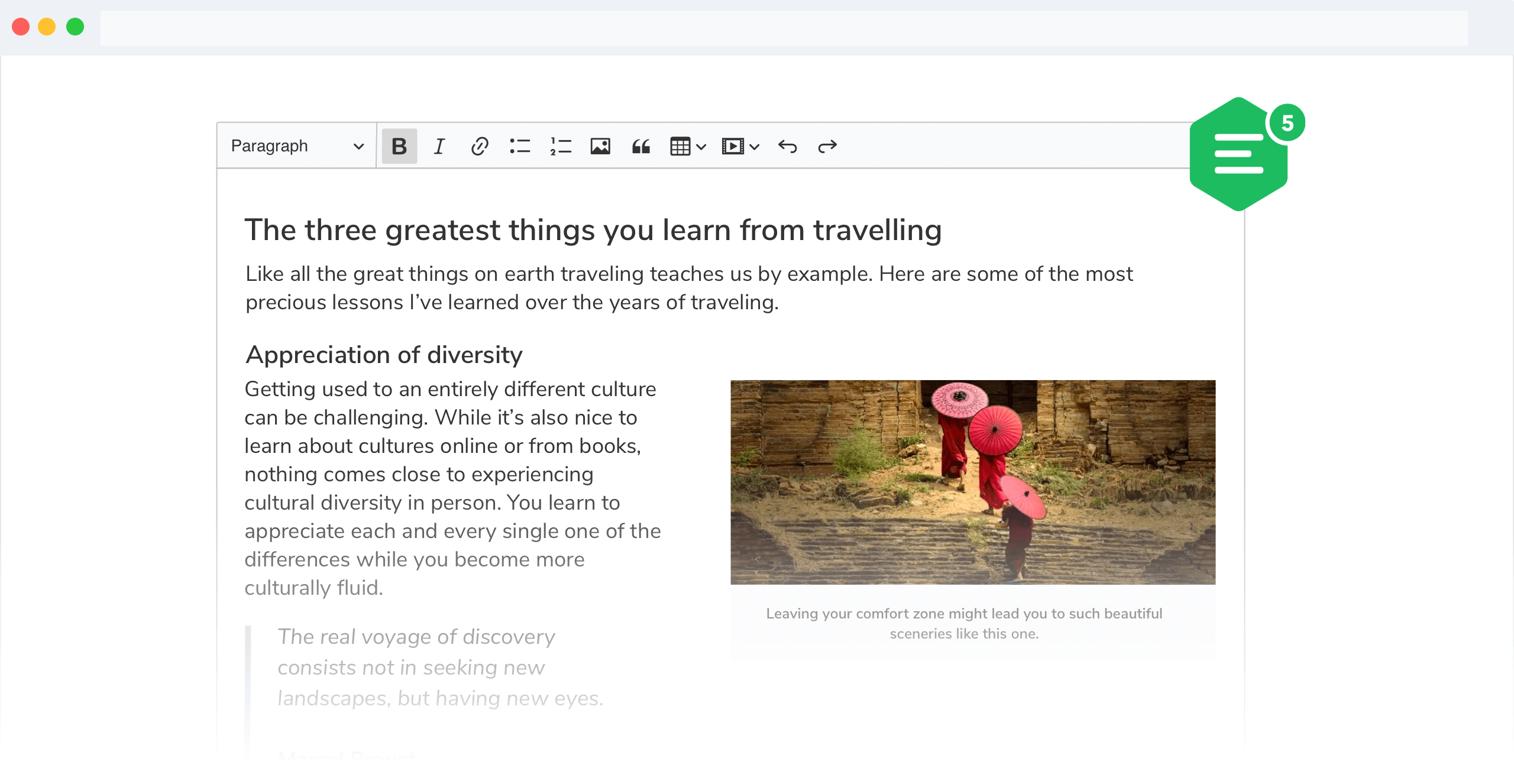
The classic editor build for CKEditor 5. Read more about the classic editor build and see the demo.
Documentation
See:
- Installation for how to install this package and what it contains.
- Editor lifecycle for how to create an editor and interact with it.
- Configuration for how to configure the editor.
- Creating custom builds for how to customize the build (configure and rebuild the editor bundle).
Quick start
First, install the build from npm:
npm install --save @ckeditor/ckeditor5-build-classic
And use it in your website:
<div id="editor">
	<p>This is the editor content.</p>
</div>
<script src="./node_modules/@ckeditor/ckeditor5-build-classic/build/ckeditor.js"></script>
<script>
	ClassicEditor
		.create( document.querySelector( '#editor' ) )
		.then( editor => {
			window.editor = editor;
		} )
		.catch( error => {
			console.error( 'There was a problem initializing the editor.', error );
		} );
</script>
Or in your JavaScript application:
import ClassicEditor from '@ckeditor/ckeditor5-build-classic';

// Or using the CommonJS version:
// const ClassicEditor = require( '@ckeditor/ckeditor5-build-classic' );

ClassicEditor
	.create( document.querySelector( '#editor' ) )
	.then( editor => {
		window.editor = editor;
	} )
	.catch( error => {
		console.error( 'There was a problem initializing the editor.', error );
	} );
Note: If you are planning to integrate CKEditor 5 deep into your application, it is actually more convenient and recommended to install and import the source modules directly (like it happens in ckeditor.js). Read more in the Advanced setup guide.
License
Licensed under the terms of GNU General Public License Version 2 or later. For full details about the license, please check the LICENSE.md file or https://ckeditor.com/legal/ckeditor-oss-license.