You can not select more than 25 topics
Topics must start with a letter or number, can include dashes ('-') and can be up to 35 characters long.
|
|
CKEditor 5 inline editor build==============================================
[](https://www.npmjs.com/package/@ckeditor/ckeditor5-build-inline)[](https://coveralls.io/github/ckeditor/ckeditor5?branch=master)[](https://app.travis-ci.com/github/ckeditor/ckeditor5)
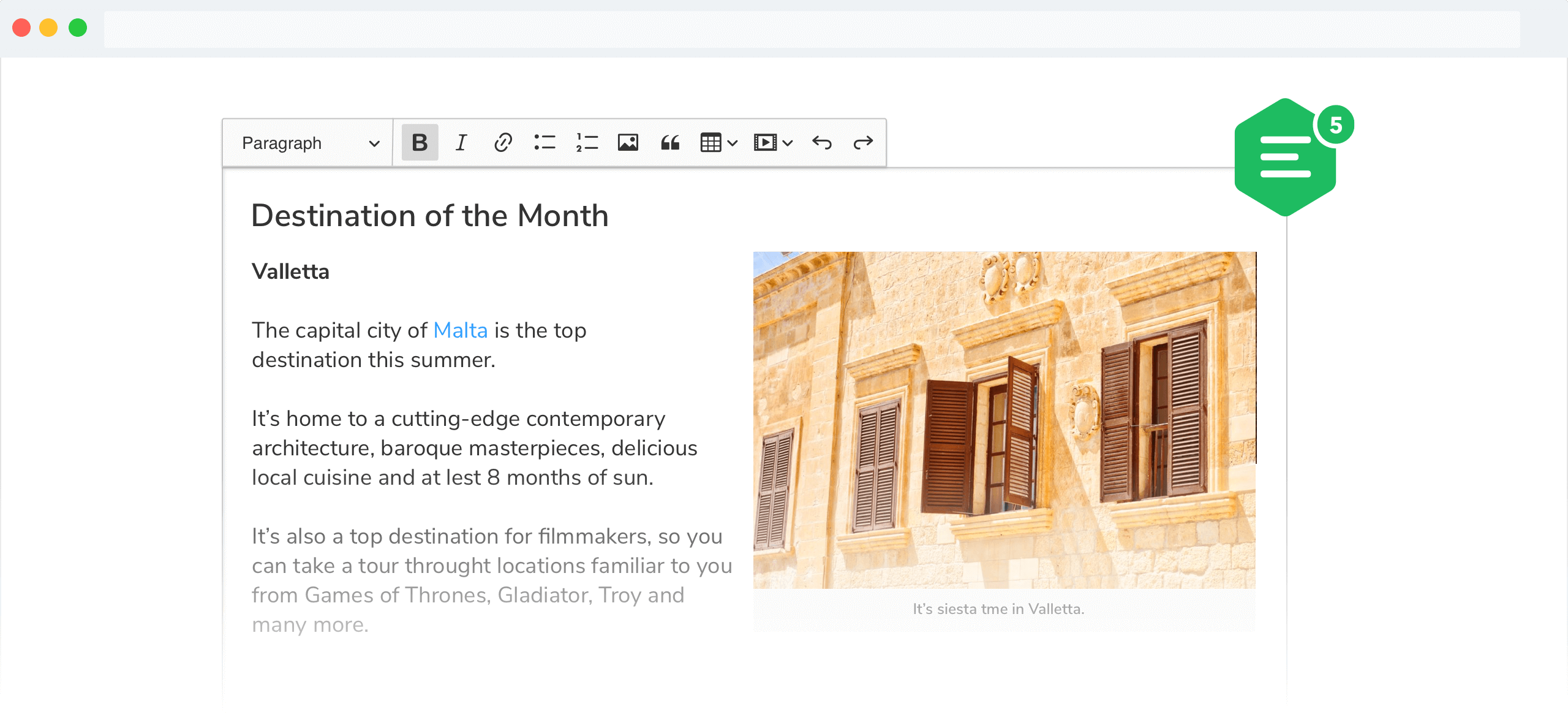
The inline editor build for CKEditor 5. Read more about the [inline editor build](https://ckeditor.com/docs/ckeditor5/latest/installation/getting-started/predefined-builds.html#inline-editor) and see the [demo](https://ckeditor.com/docs/ckeditor5/latest/examples/builds/inline-editor.html).
## Documentation
See:
* [Installation](https://ckeditor.com/docs/ckeditor5/latest/installation/getting-started/quick-start.html) for how to install this package and what it contains.* [Editor lifecycle](https://ckeditor.com/docs/ckeditor5/latest/installation/getting-started/editor-lifecycle.html) for how to create an editor and interact with it.* [Configuration](https://ckeditor.com/docs/ckeditor5/latest/installation/getting-started/configuration.html) for how to configure the editor.* [Creating custom builds](https://ckeditor.com/docs/ckeditor5/latest/installation/getting-started/quick-start.html#building-the-editor-from-source) for how to customize the build (configure and rebuild the editor bundle).
## Quick start
First, install the build from npm:
```bashnpm install --save @ckeditor/ckeditor5-build-inline```
And use it in your website:
```html<div id="editor"> <p>This is the editor content.</p></div><script src="./node_modules/@ckeditor/ckeditor5-build-inline/build/ckeditor.js"></script><script> InlineEditor .create( document.querySelector( '#editor' ) ) .then( editor => { window.editor = editor; } ) .catch( error => { console.error( 'There was a problem initializing the editor.', error ); } );</script>```
Or in your JavaScript application:
```jsimport InlineEditor from '@ckeditor/ckeditor5-build-inline';
// Or using the CommonJS version:// const InlineEditor = require( '@ckeditor/ckeditor5-build-inline' );
InlineEditor .create( document.querySelector( '#editor' ) ) .then( editor => { window.editor = editor; } ) .catch( error => { console.error( 'There was a problem initializing the editor.', error ); } );```
**Note:** If you are planning to integrate CKEditor 5 deep into your application, it is actually more convenient and recommended to install and import the source modules directly (like it happens in `ckeditor.js`). Read more in the [Advanced setup guide](https://ckeditor.com/docs/ckeditor5/latest/installation/advanced/advanced-setup.html).
## License
Licensed under the terms of [GNU General Public License Version 2 or later](http://www.gnu.org/licenses/gpl.html). For full details about the license, please check the `LICENSE.md` file or [https://ckeditor.com/legal/ckeditor-oss-license](https://ckeditor.com/legal/ckeditor-oss-license).
|

